



Product description

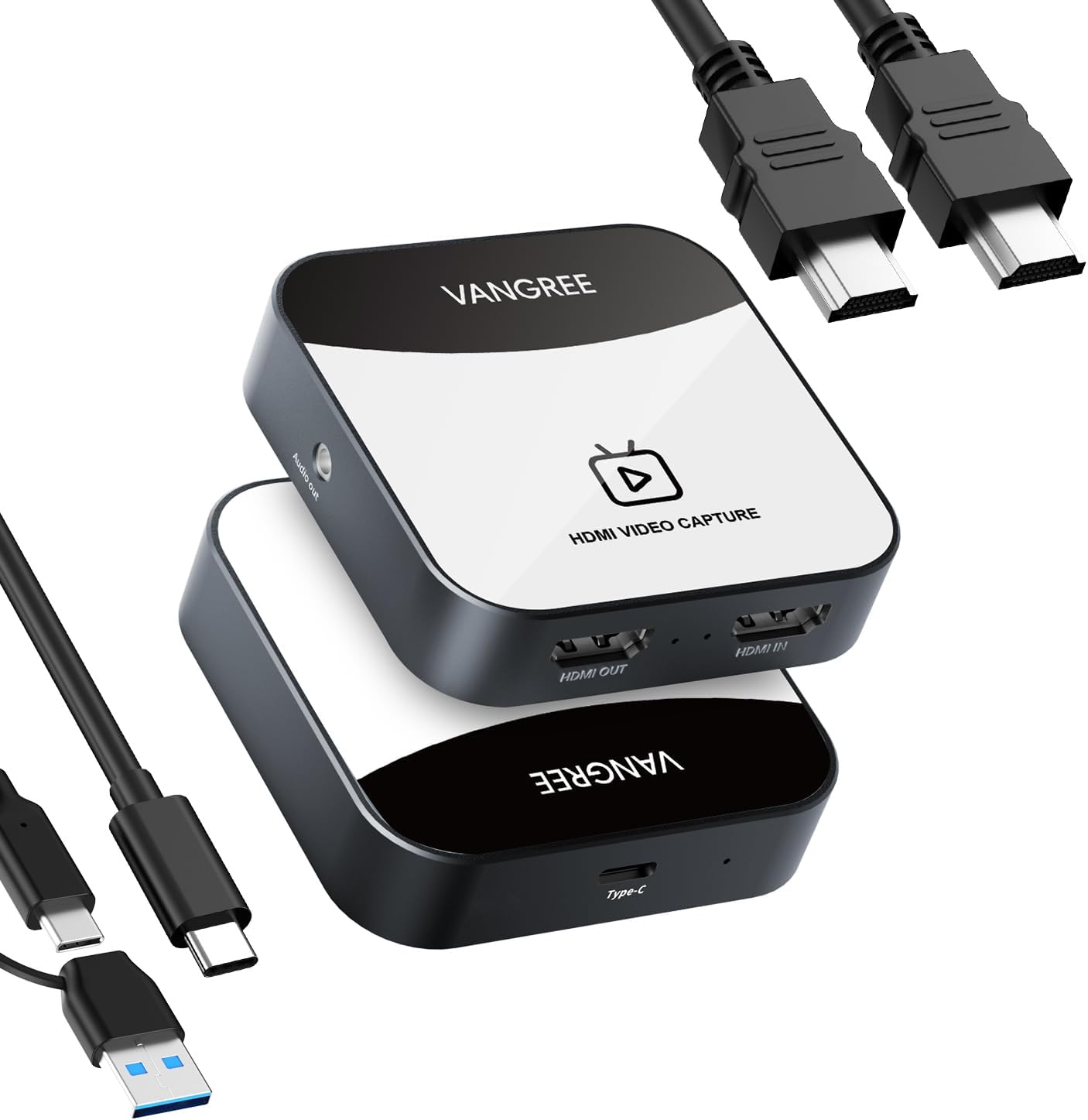
Unleash the Power of Seamless Capture and Streaming: With superior video quality, hassle-free operation, and broad compatibility, VANGREE VC-003 HDMI video capture card is the ideal tool for elevating your content creation, broadcasting, and gaming experiences.


1 For Nintendo Switch 2 For DSLR 3 For PS5 4 For Xbox One 5 For Tablet


1 4K@30Hz Pass Through
2 Cutting-Edge Chips
3 Low Latency
4 Universal Compatibility


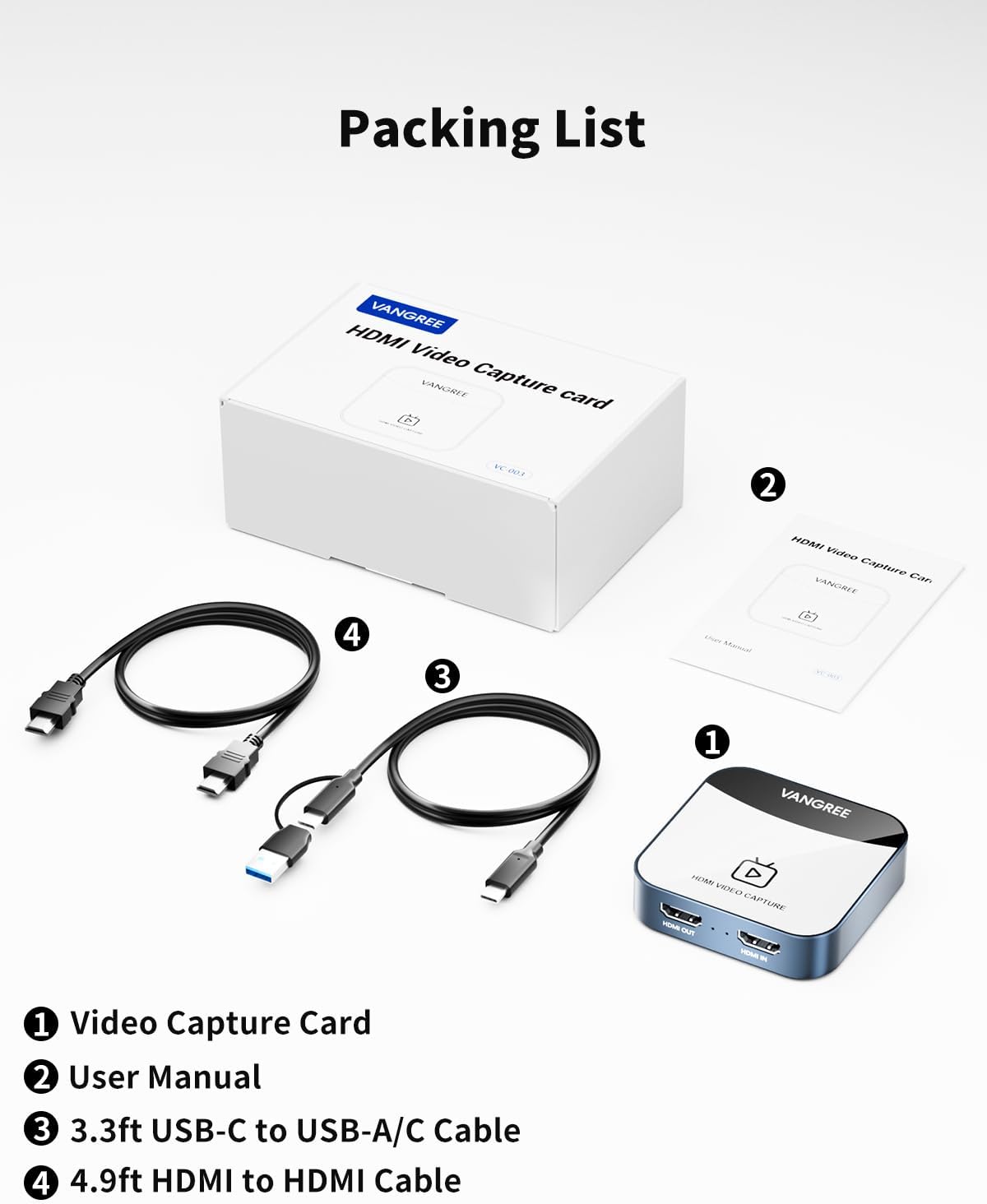
1 What You Get
2 Wiring Guide
3 USB-A/C Connector


Is it necessary to download professional software such as OBS/Vmix/Potplayer for video capture and recording?
MacOS system users can use QuickTime Player for video recording/capture. Windows system users can use the built-in screen recording function on their PC. Professional capture/recording/streaming software such as OBS/Vmix/Potplayer can also be used.
How to solve the problem of being able to capture images but unable to capture sound/audio?
Firstly, make sure to select "VC-003" for the "audio output" of the video input device, and then select "VC-003" for the "audio input" of the video capture device. Secondly, in OBS, click on "Audio Input Capture" and follow the prompts to set it up.
Why cannot it be achieved 4K@30Hz Pass-through(Loop-out) Parameter?
Firstly, ensure that both the input source and output device support 4K parameters. Secondly, use original USB cables and HDMI cables. Thirdly, try connecting HDMI OUT first, confirm the display shows, and then connect the cable to the PC for capture
How to solve the problem of whistling/sharp sound when the capture card is connected to the PC?
Check the OBS software settings of the input PC and the PC for capture. Open "Advanced audio properties" and change the "microphone/Aux" section to "Monitor Off".
Can an Android phone/iPad Pro tablet use a video capture card?
"USB Camera" app such as "CamX/MoniCon" is required for Android phone/iPad Pro tablet to capture.
4K@30Hz Signal Input & Pass-Through: The video capture card for Nintendo Switch has maximum HDMI input & pass-through resolution up to 4K@30Hz, and streams 1080p@60fps video signal through USB C 3.0 port. It outputs a clean and clear image quality without frame lag. You can enjoy recording specific moments in video game adventures.
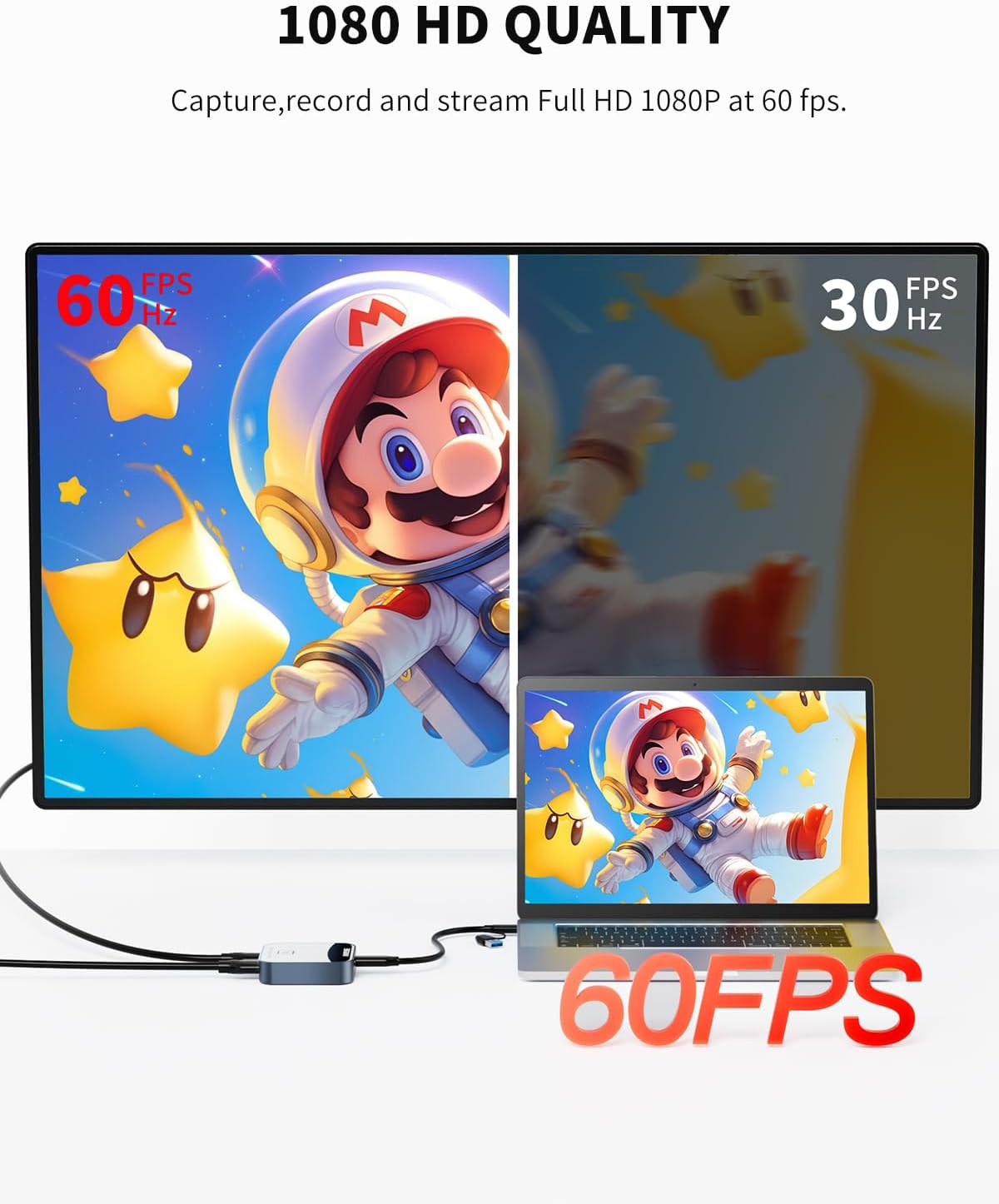
1080P 60FPS HDMI Capture Card: Capture resolutions of capture card up to 1080p at 60fps for video source with hardware accelerated up-scaling/down-scaling. Supports up to 4K@30fps HDMI input, plug and play lets the device work instantly with stream media like OBS. Ideal for live streaming, gaming broadcasts, video recording, conference rooms, etc.
Plug and Play & Easy to Use: Enjoy a seamless plug-and-play experience without the need for driver installation, making it ready to use straight out of the box. It is compatible with popular streaming software such as OBS Studio, XSplit, and Potplayer, and supports major systems including Windows, macOS and Android, Unix, Linux. Please note that camera software such as CamX/MoniCon is required for cell phones and iPads to capture.
Ultra-low Latency: Say goodbye to lag and interruptions during recording and video streaming, with the extreme ultra-low latency on the pass-through signal. When capturing video or playing games, having ultra-low latency ensures a seamless and natural experience for the user. Any delay in the video feed can be distracting and negatively impact the user's ability to respond to actions quickly.
YUY2 4:4:4 1080P With 60FPS: YUY2 uses YUV color space, which separates brightness (luma) and color information (chroma). YUY2 is an uncompressed format, which means it does not suffer from any loss of quality due to compression artifacts. It's ideal for capturing and preserving high-quality video data from sources like cameras or other devices.
Reviews
There are no reviews yet.