




Product description

3rd Gen Dual HDMI Capture Card
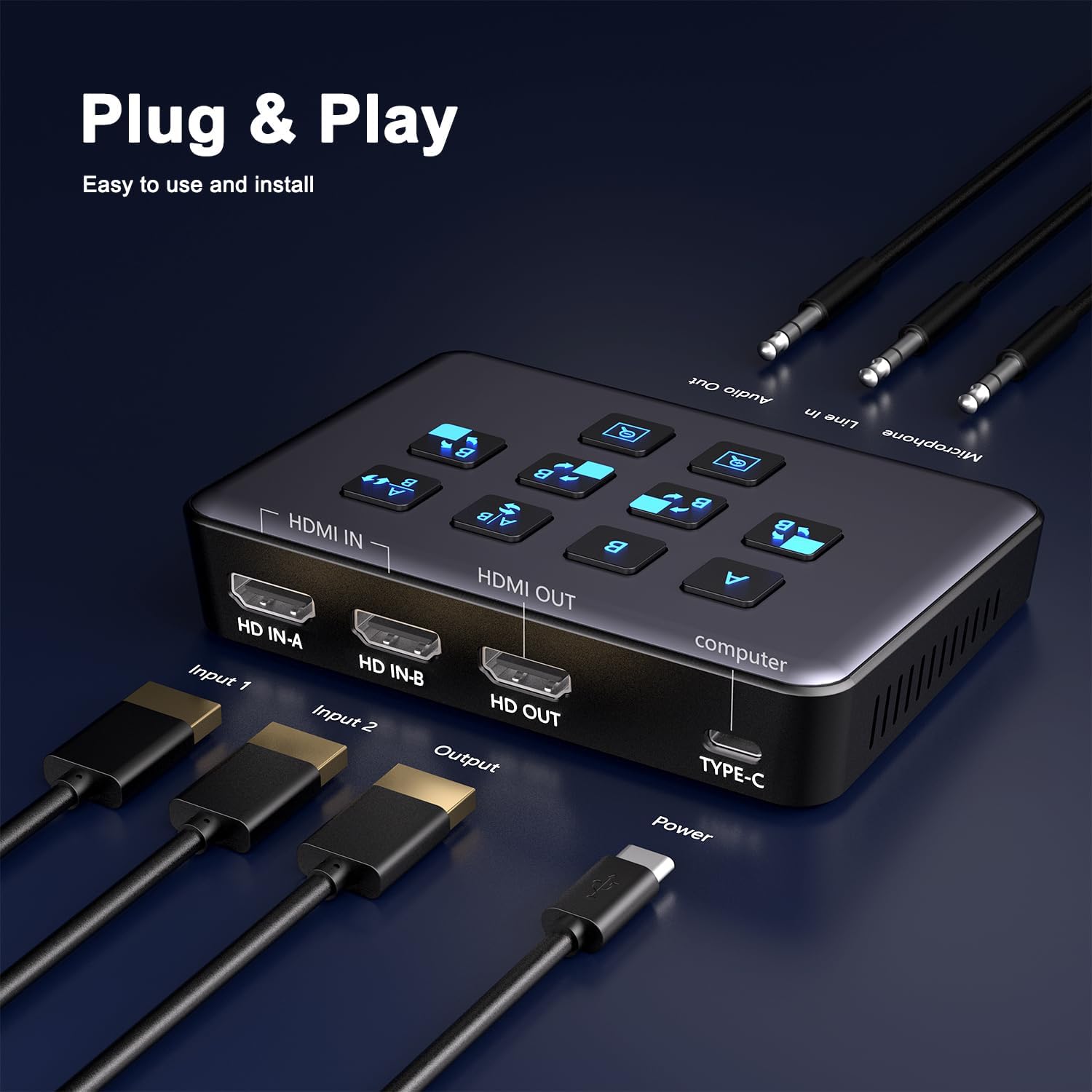
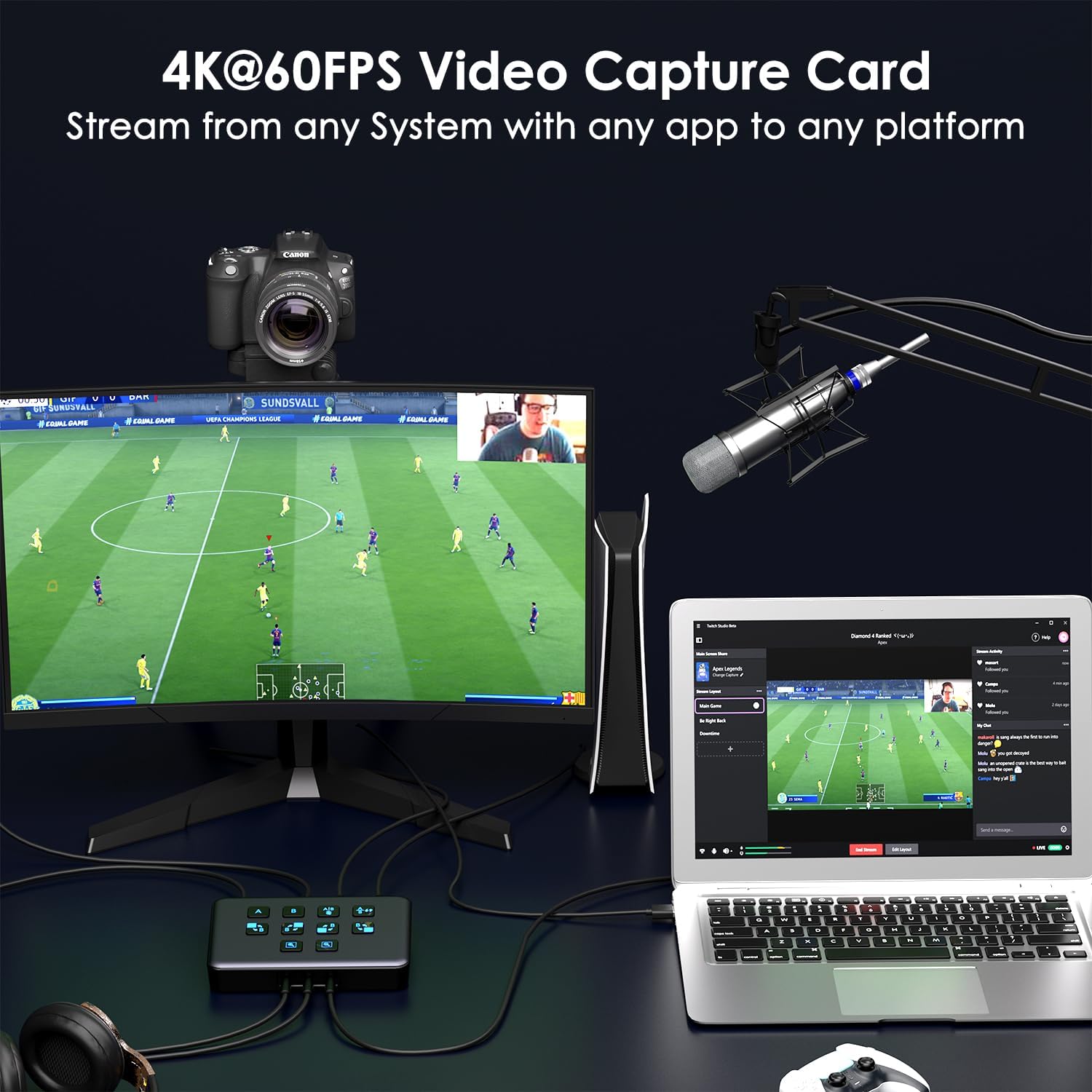
The USB 3.0 HDMI video capture card can simultaneously capture dual 4K HDMI input video signals, while supportng HDMI 1080P loop out, compaable with Windows7/8/8.1/10/11, Linux and Mac OS, and backward compatble with USB2.0, by USB 3.0/Type-C interface to connect to the computer, through play/capture sofware to achieve preview, recording, live streaming and other functons.


Dual HDMI Capture Card
Useage settings: OBS software capture setting and Audio setting for capture card on Windows system, please refer strictly to the instructions.


1080P OUTPUT
This 3rd Gen Dual HDMI Capture card input can support up to 4K@60Hz, loop out and capture recording resoluton up to 1080P@60Hz. Recording video format support RGB/24bit, YUY2/16bit.

Capture Anything
Use for any App, any Stream and any Platform Just Like: OBS, Streamlabs, Vmix, Zoom, Microsoft Teams, Stream to YouTube, Twitch, Facebook Gaming etc.

HD input up to 4K@60HZ, output resolution up to 1920×1080@60Hz
The Dual HDMI capture card supports HD input up to 4K@60HZ, output resolution up to 1920×1080@60Hz, and has USB 3.0 high-speed transmission, providing you with an immersive, smooth gaming experience.

3rd Gen Dual Full HD USB3.0 4K Pass Through Capture Card
Compatible Software: Windows Media Encoder,Adobe Flash Media Live Econder, Reel Producer Plus, QuickTime Player, VLC,OBS, vMix, PotPlayer... Live Stream Software: TikTok, Youtube, Twitch, Amazon live, Skype ... Compatible Development Interface: DirectShow (Windows) and other standard UVC interface
Video capture setings for OBS on MAC system :
1. Open the OBS capture screen on MAC system, click on ""Sources"" at the button left corner, select the ""+""sign, and choose ""Video Capture Device""2. Uncheck the "Use Preset" checkbox.3.Afer turning o ffthe 'Use Preset' opoon, a corresponding parameter table will appear, where you can customize the setngs according to your own needs.
Audio Debugging in OBS for MAC System :
1. Afer completing the video setup, adjust the audio Setting step by step by clicking on ""Sources"" at the button, then clicking on the ""+""sign and selecting ""Audio Input Capture"". 2. Then select the name of the capture card. 3. Then click on "Edit" on the top left corner of OBS and select "Advanced Audio Properties". 4. Then turn on the ""Audio Monitoring"" option for the ""Audio Input Capture"" and select ""Monitor Only (Mute Output).
This 3rd Gen Dual HDMI Capture card input can support up to 4K@60Hz, loop out and capture recording resoluton up to 1080P@60Hz. Recording video format support RGB/24bit, YUY2/16bit.
HDMI video capture card support UAC / UVC protocol/ 48KHz audio sampling rate/ HDR color input, loop out and capture.
USB capture card No driver required, compatble with Windows 7/8/8.1/10/11, Linux and Mac OS.
Dual HDMI Video Capture Card support microphone audio input, line audio input, and headphone monitoring.
Low power consumpton, ultra-low latency, clearer picture quality, RGB color range 0255.
NOTE: Only 1 PCS Capture Card, the main image depicts the front and back sides of 1 product ! ! !
Reviews
There are no reviews yet.