




Product description


1 1080p60 Video Capture
2 Overload Protection
3 100W GaN Charger
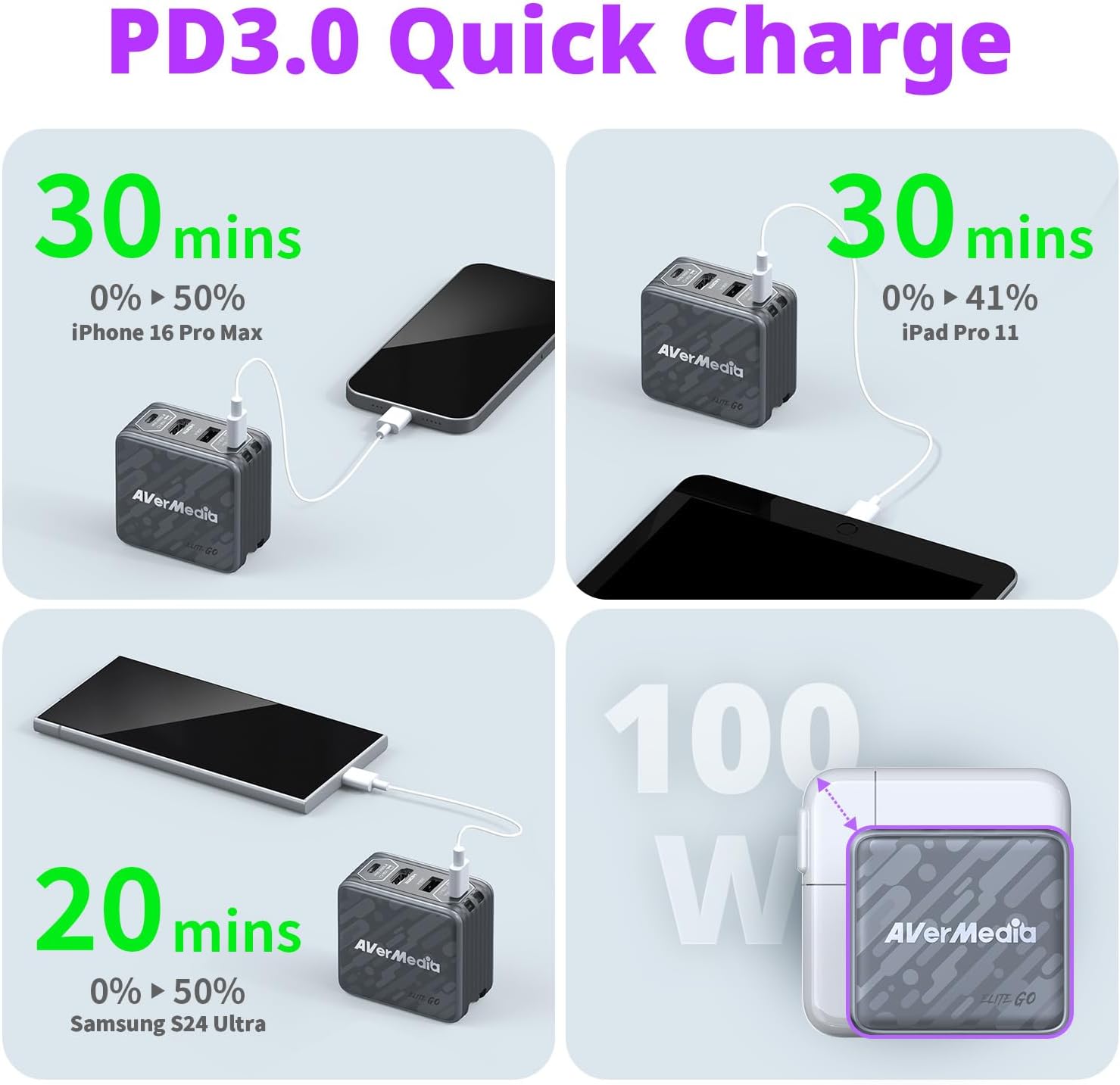
4 PD3.0 Quick Charge


1 USB C Dock
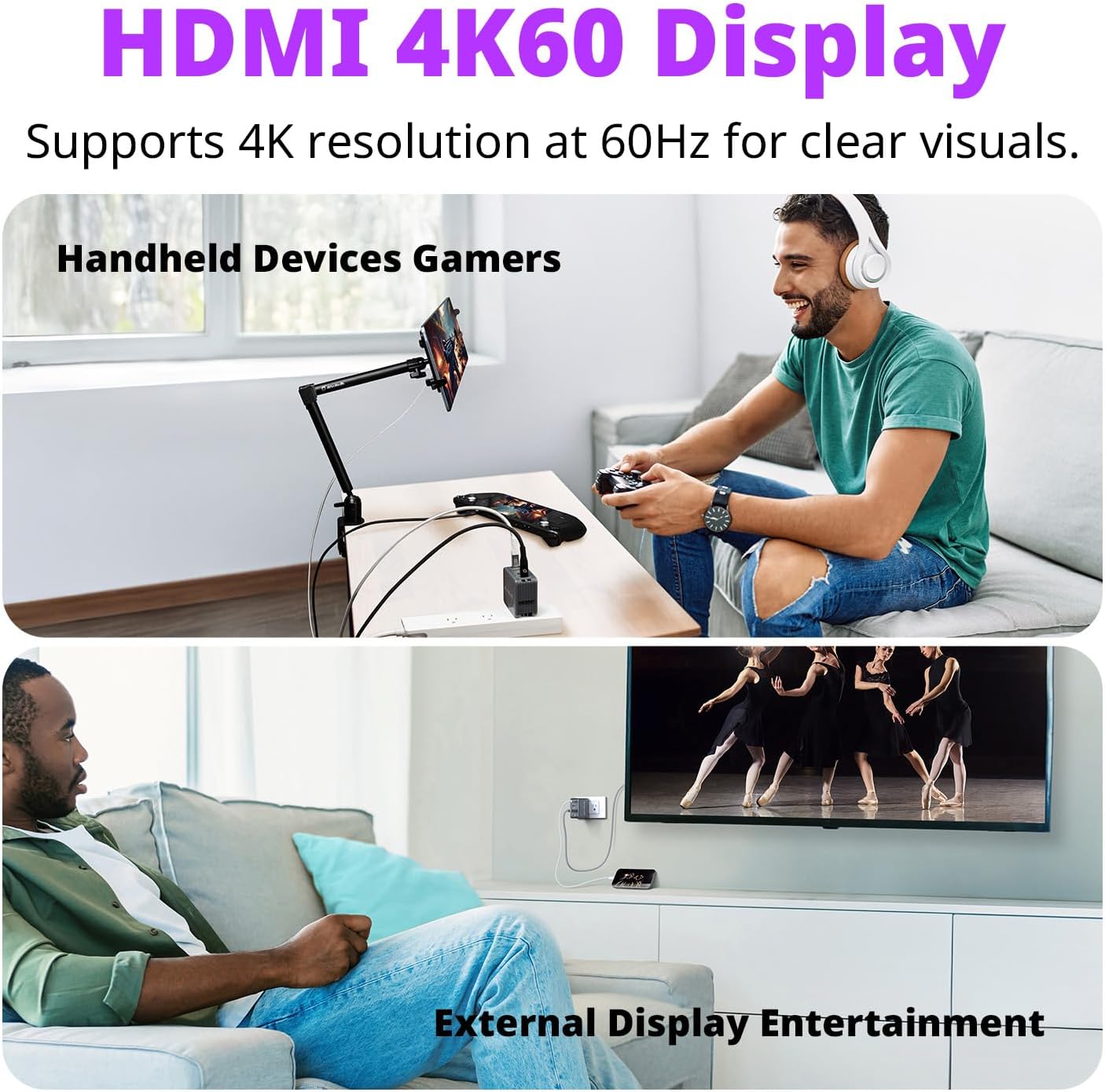
2 HDMI 4K60 Display
3 Triple-Device Charging
4 Charging and Connecting


1 Single-Port Charging
2 Two-Port Charging
3 Three-Port Charging
Find Your Nintendo Switch 2 Dock
Customer Reviews
4.0 out of 5 stars 95
3.8 out of 5 stars 38
3.7 out of 5 stars 40
3.7 out of 5 stars 40
Price
—
$79.99$79.99
—
—
100W GaN Wall Charging
✔
✔
✘
✘
Multiple Devices Charging
✔
✔
✘
✘
Fast Charging
✔
✔
✘
✘
Overload Protection
✔
✔
✘
✘
Input
100~240V, 50/60Hz
100~240V, 50/60Hz
—
—
Max. Pass-Through Resolution
2160p60
2160p60
2160p60, 1080p120
2160p60, 1080p120
Max. Recording Resolution
1080p60
-
2160p30, 1440p60, 1080p120
2160p30, 1440p60, 1080p120
Max Micro SD Card Capacity
-
-
1TB
1TB
Video Format
YUY2, MJPEG
-
MPEG4 (H.264/H.265)
MPEG4 (H.264/H.265)
Dimensions (W x D x H)
2.60 x 1.44 x 2.44 in.
2.60 x 1.44 x 2.44 in.
5.55 x 3.91 x 1.48 in.
5.55 x 3.91 x 1.48 in.
Weight
250 g +/-10 g ( 8.11oz.)
250 g +/-10 g ( 8.11oz.)
176g (6.21 oz.)
176g (6.21 oz.)
How to set up the GC313PRO Elite GO with the Nintendo Switch 2?
Visit the AVerMedia website to download the latest firmware and software for your GC313PRO Elite GO.
Firmware update tool is available for Windows only, not macOS.
For troubleshooting, check our official FAQ.
Can GC313PRO charge multiple devices simultaneously and support fast charging?
Yes. Ensure your charger supports 100W output, 5A cables, and USB PD 3.0. Incompatible chargers may cause slow charging or damage. GC313/GC313PRO does not support QC, AFC, Warp Charge, or similar protocols.
What is the maximum resolution output supported by the HDMI port on the GC313PRO?
Display Resolution: 4K@60Hz (SDR 4:2:0) Audio Format: L-PCM (16-bit, 20-bit, 24-bit)
Why do I only see a black screen in the software preview with no error messages?
If your preview shows a black screen, check: 1) Privacy settings, 2) Content restrictions (e.g. Netflix), 3) Conflicting apps, 4) Antivirus interference. Close other apps and ensure camera access is allowed.
Why is there no display even after connecting the GC313PRO?
1) Ensure your device’s USB-C supports DP1.2 or Thunderbolt 3+. Use the included C-to-C cable. 2) For GC313PRO, disable HDCP if shown. 3) If issues persist, reconnect the GC313PRO and power it on again.
1080p60 USB-C Capture Card: Plug-and-play for Switch 2, Steam Deck, ROG Ally, Legion Go, iPad & iPhone or more with Display ALT Mode. Stream to Twitch, Kick or Youtube from a laptop or iPad.
4K60Hz HDMI Output for Big Screens: Use as a dock for Switch 2, Steam Deck, ROG Ally, or PS Portal, or as an HDMI hub to connect to TVs and external monitors for smooth, high-quality display.
Built-in 100W GaN USB Fast Charger with PD 3.0: Charge up to 3 devices at once with 2 USB-C and 1 USB-A ports, ideal for iPhone, iPad, or AirPods, with safe and efficient overload protection.
Expansion Hub for Consoles, Laptops, iPad: Compact USB hub to connect peripherals on the go. Works with keyboards, headsets, webcams, mics, mice, or for expanding ports on MacBook, PC, or iPad.
Wide Compatibility for All-in-One Charging: The AVerMedia GC313Pro Travel Dock works seamlessly with Nintendo Switch, Nintendo Switch 2, ROG Ally, Steam Deck, MacBook Air/Pro, iPads, iPhones and more.
4-in-1 USB Charging Hub: Compact and lightweight, enables video output, 100W charging, data transfer and hardware expansion.
What’s Included: AVerMedia Elite Go (GC313Pro) x1, USB Type-C to Type-C Braided Cable (2m/6.56ft) x1, Changeable AC Plug x1, and Quick Start Guide x1.
Reviews
There are no reviews yet.