




Product description
The video showcases the product in use.The video guides you through product setup.The video compares multiple products.The video shows the product being unpacked. hero-video Merchant Video
 5.1 Channel Audio Capture
Experience immersive audio with stunning 5.1 multi-channel surround sound captures.


1 5.1 Audio Capture
2 Vibrant HDR Support
3 Seamless VRR Gameplay
4 4K144 Pass-through
4K144 Video Capture via Streaming Center
The video showcases the product in use.The video guides you through product setup.The video compares multiple products.The video shows the product being unpacked. hero-video Merchant Video
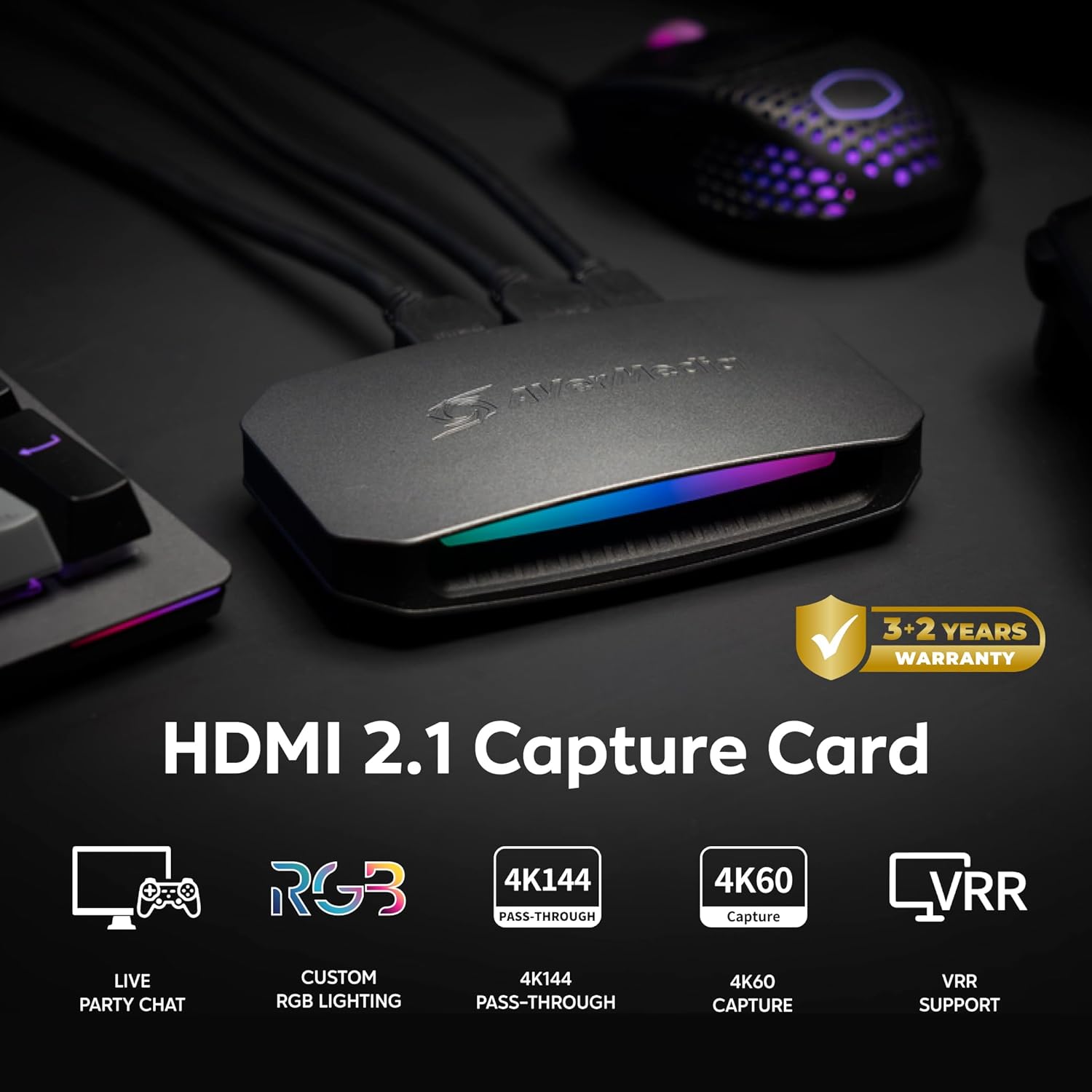
 4K144 Pass-through & 4K60 Capture
The GC553G2 empowers you to capture every pixel in buttery-smooth 4K60 quality.
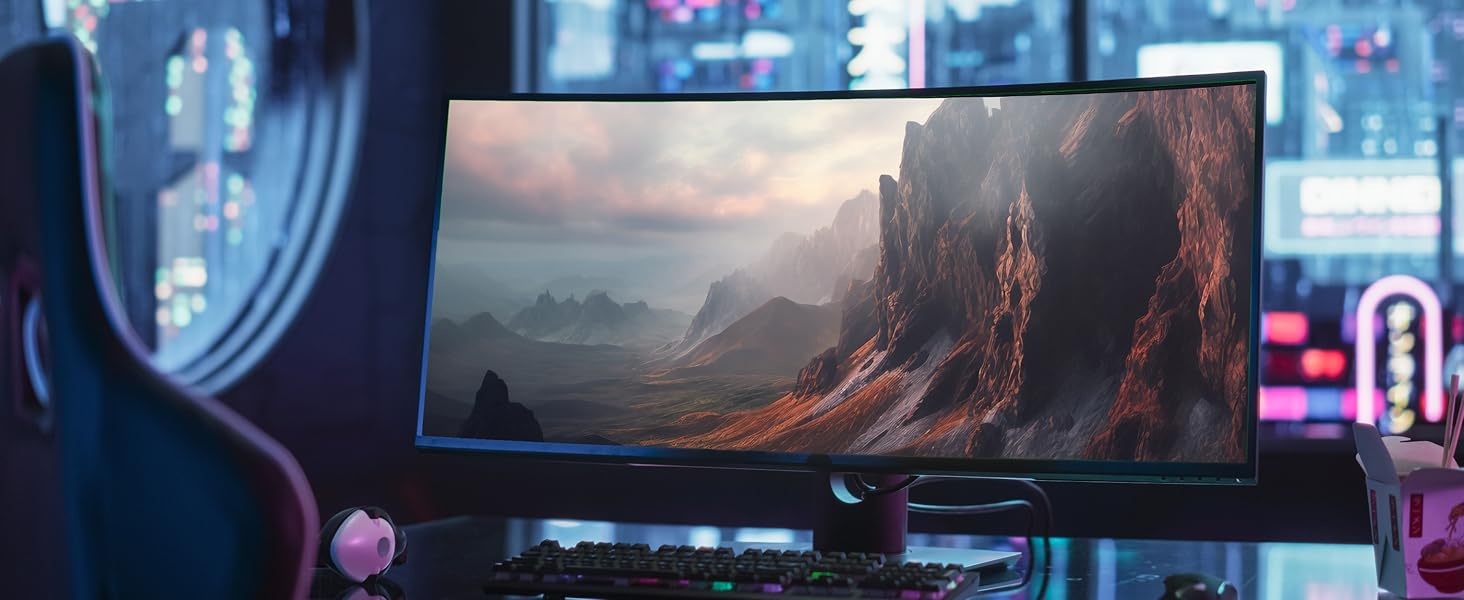 The Support Gets Wider!
Supports ultrawide resolutions of 3440x1440 and 2560x1080 with ultrawide gaming monitors.

 Express Yourself with RGB Customization
Upgrade with customizable RGB lighting—Windows 11 Dynamic Lighting, AVerMedia Tool, or MSI Software
1 4K60 Capture
2 Ultrawide Resolutions
3 Live and Party Chat
4 RGB Customization
Does GC553G2 HDMI 2.1 capture card support ultrawide resolutions?
Yes, the GC553G2 streaming capture card supports ultra-wide resolutions, including 3440x1440 and 2560x1080, making it an excellent choice for gamers and streamers using ultra-wide monitors.
How do I confirm that my computer supports USB 3.2 Gen2 Type C (10Gbps)?
Some motherboard manufacturers label Type C as 10Gbps. If it's not labeled, please check the official website or manual of motherboard.
*According to the latest USB-IF standard: the included USB cable is USB 3.2 Gen 2 = USB 3.1 Gen 2 = USB 10Gbps.
Can this HDMI capture card record both game audio and party chat?
Yes, GC553G2 has built-in support for game audio and party chat recording without requiring additional cables or software.
Does the Live Gamer Ultra 2.1 (GC553G2) support capturing 5.1 multi-channel surround sound audio?
Yes, the Live Gamer Ultra 2.1 (GC553G2) supports multi-channel surround audio capture, but only on Windows. Please note that LPCM audio format supports stereo (LPCM 2.0ch) only.
How to prevent audio desync in OBS?
In the Video Capture Device settings, choose Custom for both Resolution and FPS, set them to match the input source (do not use the default value). Add another Audio Input Capture in the Sources section and select GC553G2 as the audio input device.
Technical Specifications
Input HDMI 2.1 Output HDMI 2.1 (lag-free passthrough) Passthrough Resolutions 2160p144 HDR/VRR, 3440x1440p120 HDR/VRR, 1440p240 HDR/VRR, 1080p360 HDR/VRR System Requirements Windows 10 x64 / 11 x64 or later, macOS 13 / 14 or later, Connectivity Options HDMI 2.1, USB 3.2 Gen 2 Type-C, 4-Pole 3.5mm Audio Max Capture Resolution 4K60 (macOS), 2160p144 (Windows) with AVerMedia Streaming Center (Windows only*) Max Recording Resolution NV12: 3840x2160p60, 3440x1440p60 YUY2: 3840x2160p50, 3440x1440p60 RGB24: 2560x1440p60 P010(HDR 10): 3840x2160 p30, 2560x1440p60 What's In the Box LIVE GAMER ULTRA 2.1 (GC553G2), HDMI 2.1 Cable, USB 3.2 Gen 2 Type-C Cable, 4-Pole 3.5mm Audio Cable, Quick Start Guide
Find Your Capture Card
Add to Cart
Add to Cart
Customer Reviews
4.2 out of 5 stars 222
4.5 out of 5 stars 47
4.5 out of 5 stars 151
4.5 out of 5 stars 151
Price
BRL 1,116.47BRL1,116.47
—
BRL 372.12BRL372.12
BRL 691.13BRL691.13
Interface
USB 3.2
USB 3.2
UBS 3.0
USB 3.0
Output Interface
HDMI 2.1 / 4-Pole 3.5 mm
HDMI 2.0
HDMI 2.0
HDMI 2.0 / 3-Pole 3.5 mm
Max VRR Pass-Through Res.
4K144, 1440p240, 1080p360
4K60, 1440p144
-
1440p120 / 1080p120
Max Pass-Through Resolutions
HDR:4K144,1440p240,1080p360
4K60 HDR/VRR,1440p144 HDR/VRR
HDR:2160p60,1440p144, 1080p240
HDR:4K60 / 1440p120 / 1080p240
Max Capture Resolution
4K144 (with Streaming Center)
4K60, 1440p144, 1080p240
1080p60
4K30
Ultra-wide Screen Support
3440x1440/2560x1080
3440x1440/2560x1080
-
-
Compatible Game Console
PS5/Pro, Xbox Series, Switch2
PS5/Pro, Xbox Series, Switch2
PS5/Pro, Xbox Series, Switch2
PS5/Pro, Xbox Series, Switch2
Streaming Platform
OBS/Twitch/YT/FB Live/Mixer
OBS/Twitch/YT/FB Live/Mixer
OBS/Twitch/YT/FB Live/Mixer
OBS/Twitch/YT/FB Live/Mixer
Windows Operating System
Windows 10x64/11x64 or later
Windows 10x64/11x64 or later
Windows 10x64/11x64 or later
Windows 10x64/11x64 or later
macOS Operating System
macOS 13 / 14 or later
macOS 13 / 14 or later
macOS 13 / 14 or later
macOS 11 / 12 / 13 or later
4K Capture Card for Streaming: Seamlessly capture and stream PS5, PS5 Pro, Xbox, and Nintendo Switch 2 gameplay in 4K60 resolution. Compatible with popular streaming platforms such as Twitch, YouTube, and Live gaming with OBS Studio and Streamlabs.
4K144 HDR/VRR Pass-Through: Enjoy stunning 4K144 HDR/VRR pass-through for smooth gameplay, delivering high quality for streaming, recording, and gaming on PS5/Pro, Xbox Series X/S, PC, and Mac.
Low Latency Capture Card with 4K144Hz Passthrough for Real-Time Gameplay: Experience seamless gameplay streaming and recording with minimal delay via OBS, Twitch, and YouTube. Enjoy synced audio and video for an immersive gaming and viewing experience.
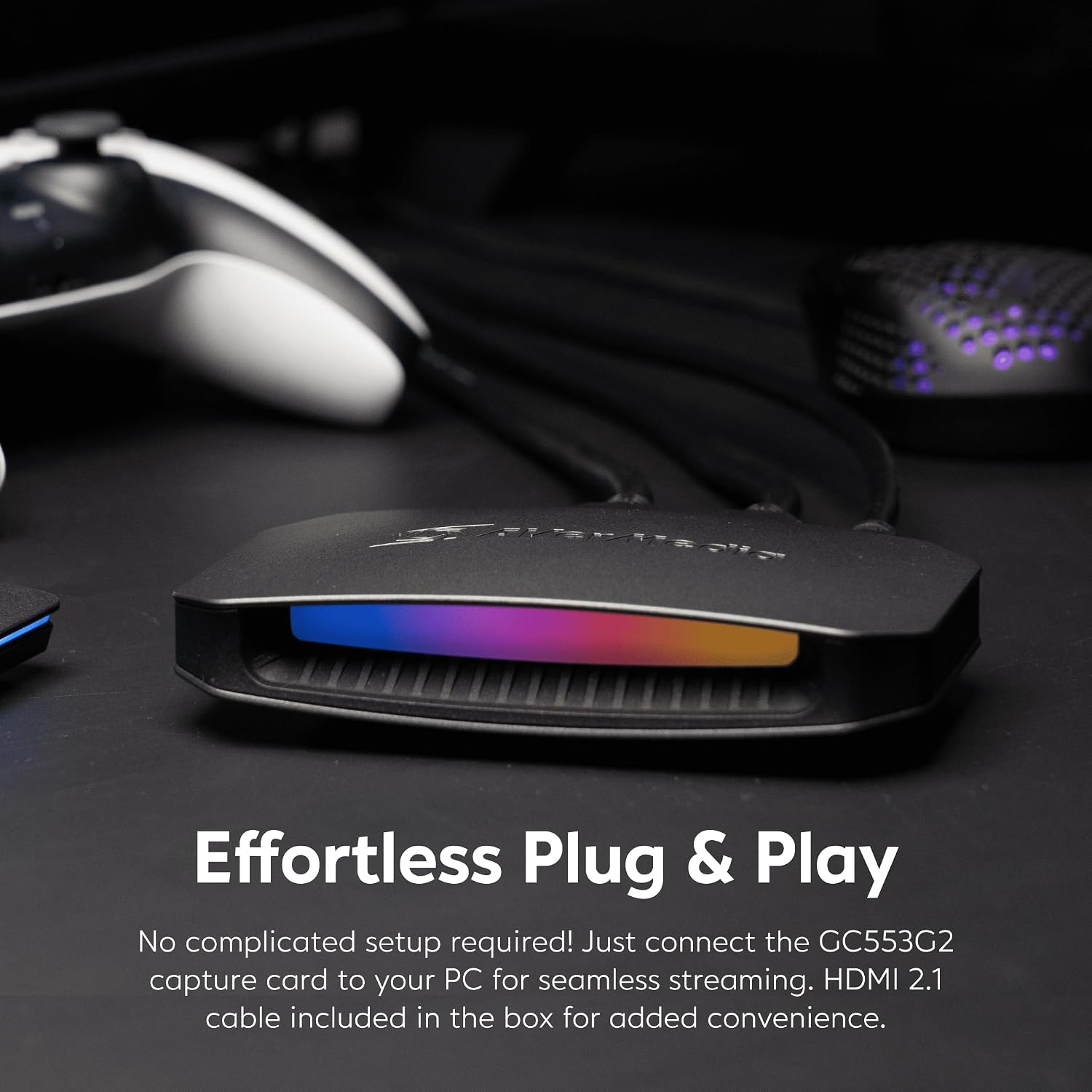
Plug-and-Play: Set up easily without extra drivers or external power using a USB 3.2 Gen 2 Type-C cable. Fully compatible with Windows 10/11, macOS 13/14, and iPadOS 17 or later on both PC and Mac.
Live Party Chat Support: Connect a gaming headset directly to the GC553G2 HDMI 2.1 capture card and manage game/chat volume while gameplay streaming or recording, no extra party chat cable needed, with added 5.1 channel audio capture.
Customizable RGB Lighting: Elevate your setup with customizable RGB lighting. Use Windows 11 Dynamic Lighting, AVerMedia Tool, or MSI Software for the perfect gaming ambiance.
Reviews
There are no reviews yet.