




Product description

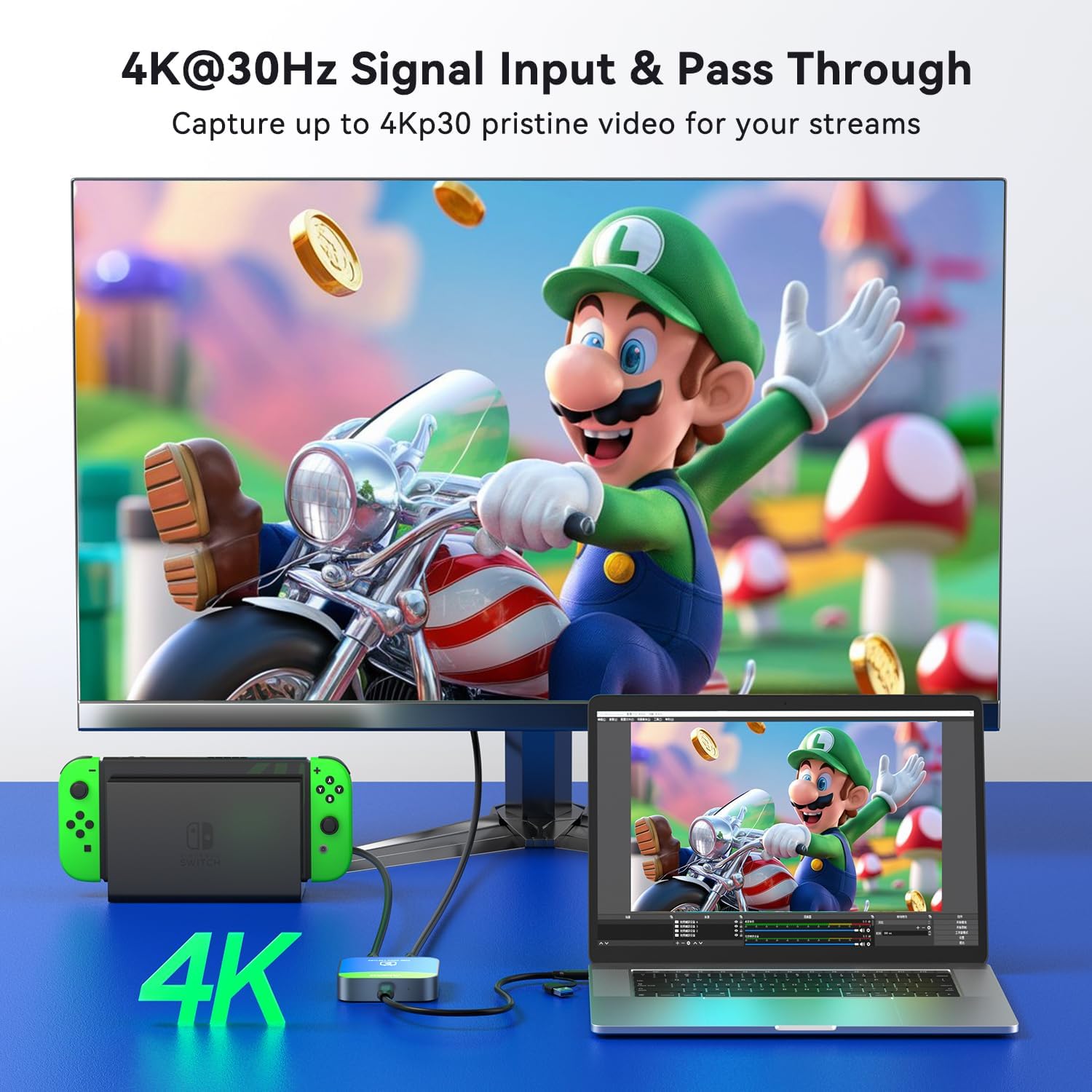
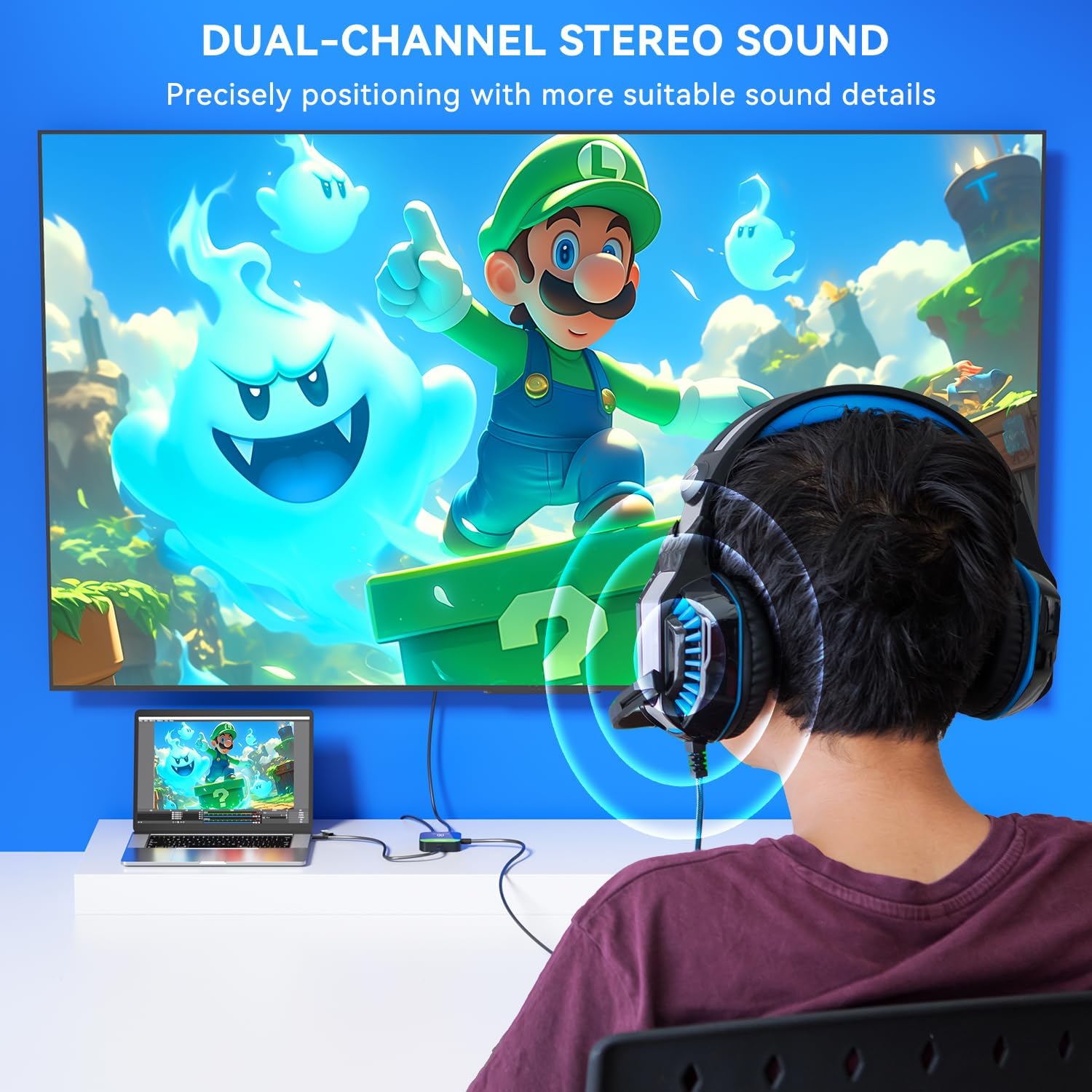
This versatile capture card supports 4K@30Hz input/pass-through and delivers 1080p@60fps streaming via USB 3.0 port. Featuring plug-and-play functionality, and broad OS compatibility (Windows/macOS/Android/Linux),it ensures studio-quality video capture for consoles like Nintendo Switch/ Switch 2.


1 For Nintendo Switch 2 For DSLR 3 For PS5 4 For Xbox One


1 YUY2 Video Format
2 Cutting-Edge Chips
3 Universal Compatibility
4 Versatile Applications


1 What You Get
2 Wiring Guide


Is it necessary to download professional software such as OBS/Vmix/Potplayer for video capture and recording?
MacOS system users can use QuickTime Player for video recording/capture. Windows system users can use the built-in screen recording function on their PC. Professional capture/recording/streaming software such as OBS/Vmix/Potplayer can also be used.
How to solve the problem of being able to capture images but unable to capture sound/audio?
Firstly, make sure to select "VC-003" for the "audio output" of the video input device, and then select "VC-003" for the "audio input" of the video capture device. Secondly, in OBS, click on "Audio Input Capture" and follow the prompts to set it up.
Why cannot it be achieved 4K@30Hz Pass-through(Loop-out) Parameter?
Firstly, ensure that both the input source and output device support 4K parameters. Secondly, use original USB cables and HDMI cables. Thirdly, try connecting HDMI OUT first, confirm the display shows, and then connect the cable to the PC for capture
How to solve the problem of whistling/sharp sound when the capture card is connected to the PC?
Check the OBS software settings of the input PC and the PC for capture. Open "Advanced audio properties" and change the "microphone/Aux" section to "Monitor Off".
Can an Android phone/iPad Pro tablet use a video capture card?
"USB Camera" app such as "CamX/MoniCon" is required for Android phone/iPad Pro tablet to capture.
【4K@30Hz Signal Input & Pass-Through】Supports HDMI input and pass-through up to 4K@30Hz, with 1080p@60fps streaming via USB-C 3.0. It delivers crisp, lag-free video for smooth gameplay recording and real-time display – perfect for capturing every gaming highlight in stunning clarity.
【1080p60 High Definition Capture with Scaling】Records and streams at up to 1080p60 with hardware-accelerated scaling. It accepts 4K@30Hz input and works seamlessly with OBS, XSplit, and more. Ideal for gamers, streamers, and professionals needing high-quality video capture for live broadcasts or meetings.
【Plug & Play – No Drivers Needed】Truly plug-and-play – no software or drivers required. It is compatible with Windows, macOS, Linux, and Android, and works instantly with OBS Studio, XSplit, and PotPlayer. Compact and portable, it also works with Nintendo Switch, Nintendo Switch 2, PS5, Xbox Series X/S, and PC-ideal for versatile streaming needs. Note: iOS/Android devices require camera apps like CamX or MoniCon for use with phones/tablets.
【Ultra-Low Latency for Real-Time Play】Engineered for near-zero latency on the pass-through signal, ensuring your gameplay display stays perfectly in sync. It eliminates distracting lag, so your reactions remain sharp during streaming, recording, or competitive gaming.
【YUY2 4:4:4 1080p60 Uncompressed Video】Captures 1080p60 video in YUY2 (YUV 4:4:4), an uncompressed format that preserves full color detail and luma-chroma separation. It produces no compression artifacts – ideal for high-fidelity recording and professional-grade video production.
Reviews
There are no reviews yet.