

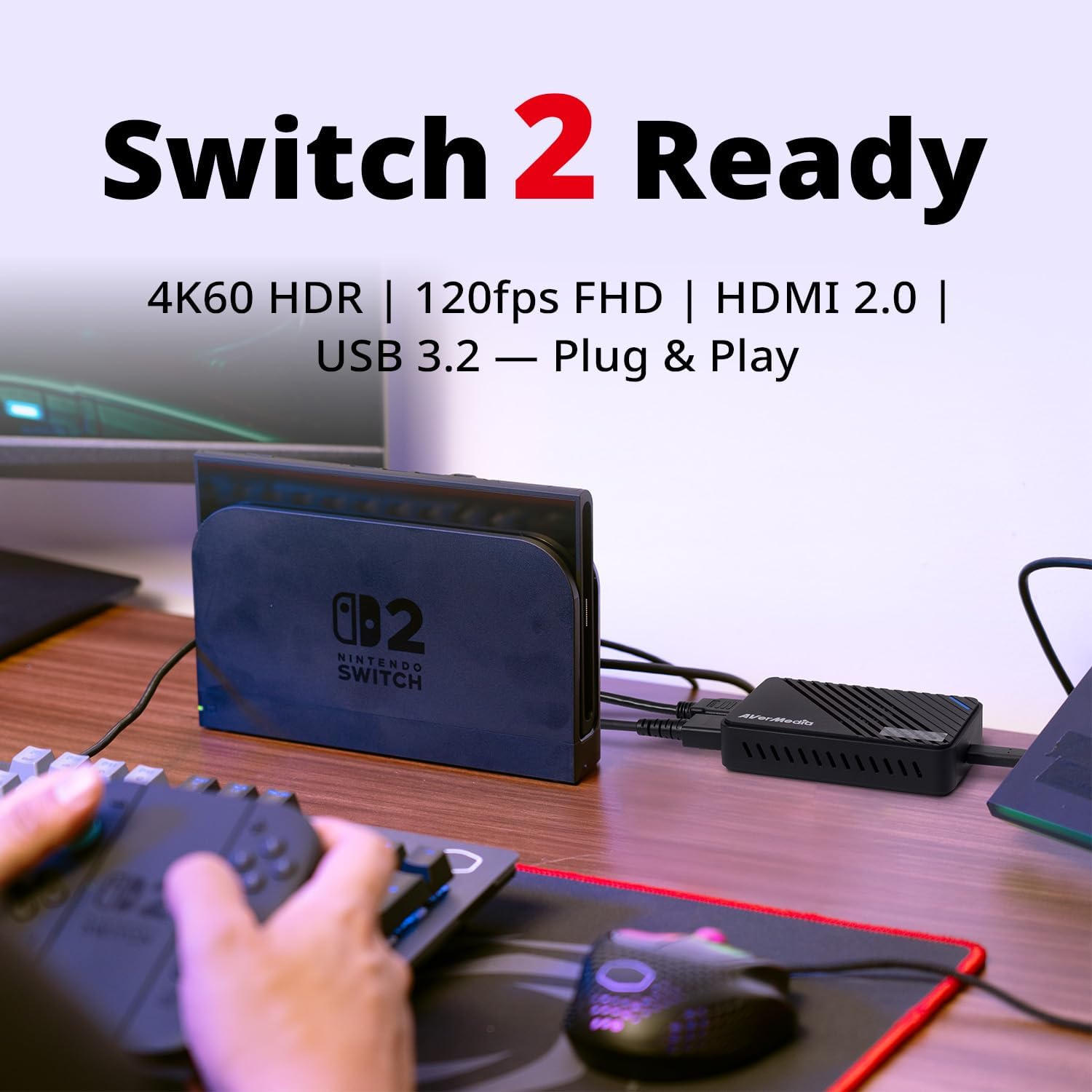


Product description
The video showcases the product in use.The video guides you through product setup.The video compares multiple products.The video shows the product being unpacked. AVerMedia Live Gamer ULTRA S - GC553Pro Merchant Video
The video showcases the product in use.The video guides you through product setup.The video compares multiple products.The video shows the product being unpacked. AVerMedia Live Gamer ULTRA S - GC553Pro Merchant Video
Does it require an external power source?
No, it is powered via USB-C 3.2—no extra adapter needed.
Can I stream my Nintendo Switch 2 to Discord with this capture card?
Yes, connect your Nintendo Switch to the GC553Pro via HDMI, then link the capture card to your PC via USB 3.2. Use OBS Studio or Streamlabs to capture the gameplay and share your screen on Discord.
HDCP message shows while my input source is not copy protected?
HDCP is a content protection handshake. If it fails, video may not display. Disable HDCP by closing media apps or restarting the device. PS3 HDCP can't be turned off—use component video. AMD GPU: disable HDCP in Radeon settings.
Experience frame drop (slight lag) when using 4K60 MJPEG in OBS?
Since OBS is not optimized for handling MJPEG encoding, we recommend using AVerMedia Streaming Center.
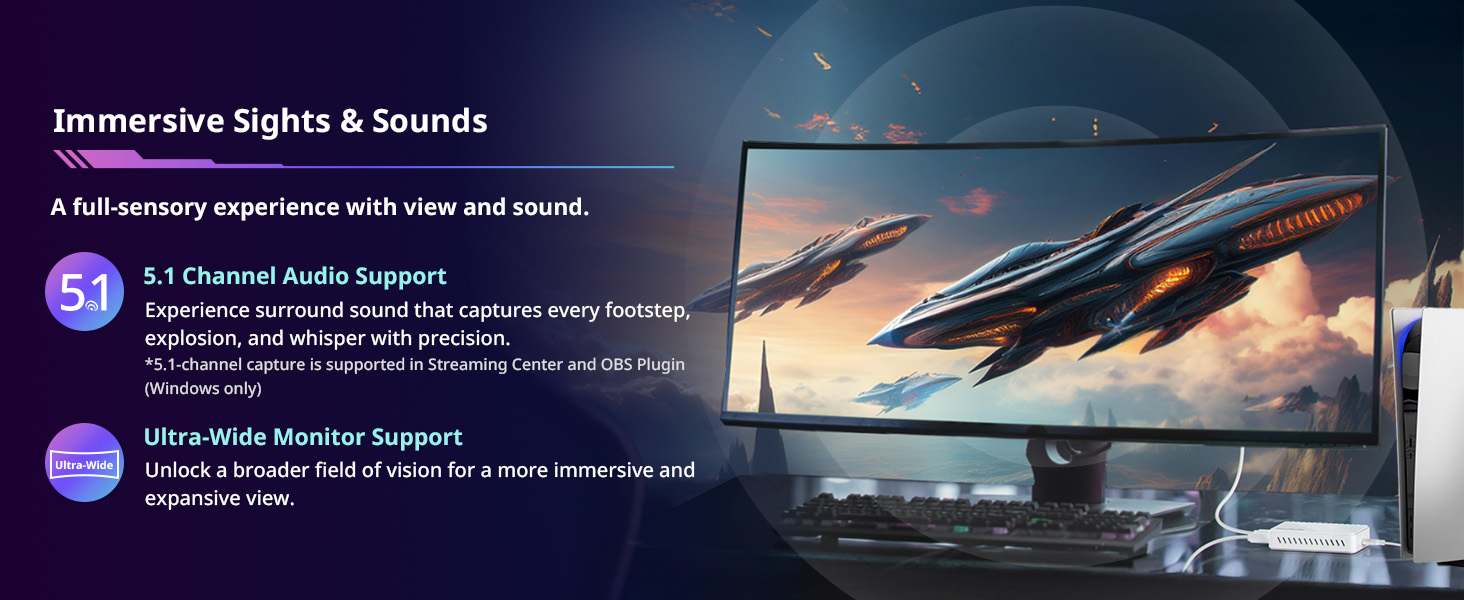
Does it support 5.1 surround sound?
Yes, it captures 5.1 multi-channel audio, though some platforms may need extra settings for full playback.
Technical Specifications
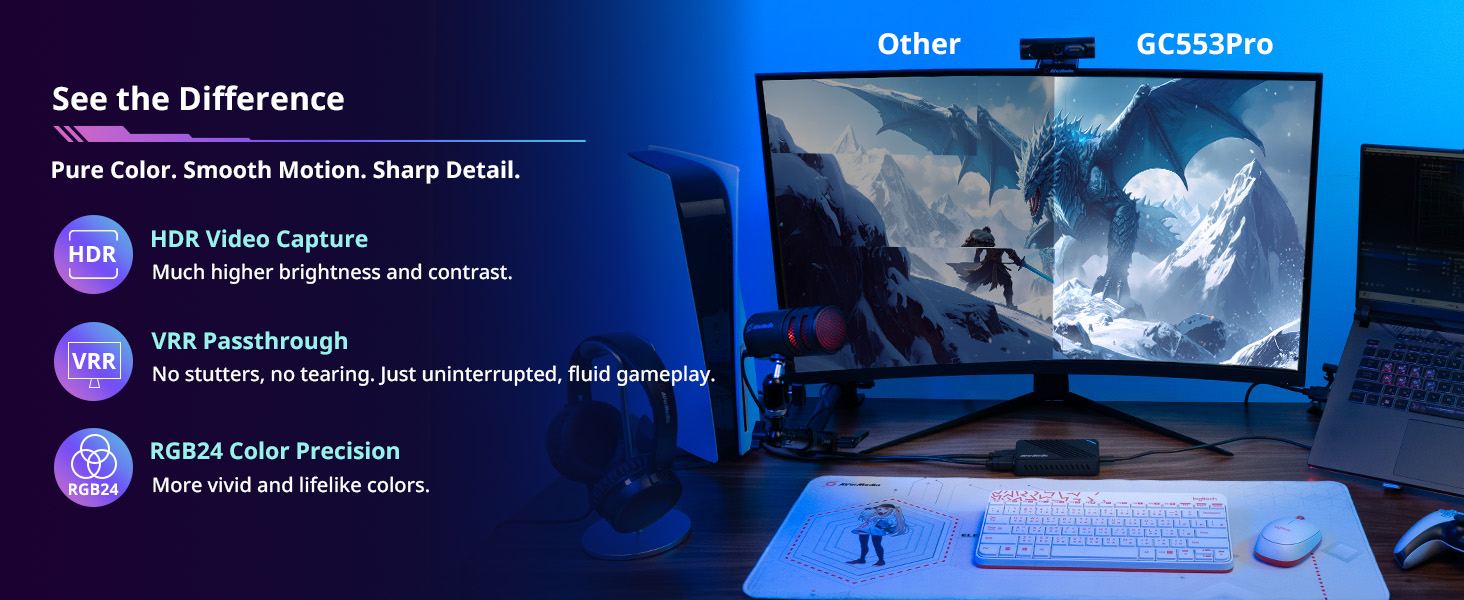
Input HDMI 2.0 Output HDMI 2.0 (lag-free passthrough) Capture Resolutions 2160p60, 1440p144, 1080p240 / 1440p30 HDR, 1080p60 HDR Passthrough Resolutions 2160p60 HDR/VRR,1440p144 HDR/VRR, 1080p240 HDR/VRR System Requirements Windows 10 x64 / 11 x64 or later, macOS 13 / 14 or later, iPadOS 17 or later What's In the Box Live Gamer ULTRA S (GC553Pro), HDMI 2.0 Cable x1, Type C to Type A Cable x1, Quick Start Guide Supported AVerMedia Software AVerMedia Assist Central Pro, AVerMedia Streaming Center (Windows only), AVerMedia Streaming Center Plug (OBS Plugin), Firmware update tool Max VRR Record Resolutions 1440p60, 1080p120 *Please use the Streaming Center software for VRR recording Supported Resolution (Input) 2160p, 3440x1440p, 1440p, 2560x1080p, 1080p, 1080i, 720p, 576p, 480p Video Format YUY2 / NV12 / RGB24 / P010 (HDR) / MJPEG 5.1 Multi-channel Audio LPCM format supports stereo (LPCM 2.0ch) only. Ultra-wide Resolution Support 3440x1440 and 2560x1080
Discover Your Capture Card
Add to Cart
Add to Cart
Add to Cart
Customer Reviews
4.2 out of 5 stars 52
4.2 out of 5 stars 197
4.4 out of 5 stars 159
4.3 out of 5 stars 1,434
Price
—
$209.99$209.99
$99.99$99.99
$69.99$69.99
Interface
UBS 3.2
USB 3.2
USB 3.0
USB 2.0
Output Interface
HDMI 2.0
HDMI 2.1 / 4-Pole 3.5 mm
HDMI 2.0 / 3-Pole 3.5 mm
HDMI 2.0
Max VRR Pass-Through Res.
4K60, 1440p144
4K144, 1440p240, 1080p360
1440p120 / 1080p120
-
Max Pass-Through Resolutions
4K60 HDR/VRR,1440p144 HDR/VRR
HDR:4K144,1440p240,1080p360
HDR:4K60 / 1440p120 / 1080p240
1080p60
Max Capture Resolution
4K60,1440p144,1080p240
4K144 (with RECentral)
4K30
1080p60
HDR Capture
1440p30, 1080p60
4K30,1440p60,1080p120,1080p60
—
—
Ultra-wide Resolution
3440x1440/2560x1080
3440x1440p 120Hz/100 Hz
-
-
Compatible Game Console
PS5/Pro, Xbox Series, Switch2
PS5/Pro, Xbox Series, Switch2
PS5/Pro, Xbox Series, Switch
PS4/Pro, Switch
Streaming Platform
OBS/Twitch/YT/FB Live/Mixer
OBS/Twitch/YT/FB Live/Mixer
OBS/Twitch/YT/FB Live/Mixer
OBS/Twitch/YT/FB Live/Mixer
Windows Operating System
Windows 10x64/11x64
Windows 10x64/11x64
Windows 10x64/11x64
Windows 10x64/11x64
macOS Operating System
macOS 13 / 14 or later
macOS 13 / 14 or later
macOS 11 / 12 / 13 or later
macOS 10.13 or later
4K Capture Card for Gaming: Seamlessly capture and stream with PS5, PS5 Pro, Xbox, and Nintendo Switch gameplay to Discord in 1080p or stunning 4K resolution. Perfect for Twitch, YouTube, and video streaming with OBS Studio and Streamlabs.
True Ultra Low Latency Capture Card for Real-Time Gameplay: Experience seamless gameplay streaming and recording with minimal delay via Twitch, YouTube, and OBS. OBS preview latency as low as around 35ms ensures precise real-time monitoring, perfect for single-screen streamers.Enjoy synced audio and video for an immersive gaming and viewing experience.
4K60 HDR/VRR Pass-Through: Enjoy stunning 4K60 HDR/VRR pass-through for smooth gameplay, delivering high quality for streaming, recording, and gaming on PS5/Pro, Xbox Series X/S, and PC.
Plug-and-Play: Easy gaming setup without extra drivers or external power. Fully compatible with popular third party platforms like OBS and Twitch. This HDMI capture card supports Windows 10/11, Mac 13/14, and iPadOS 17 or later.
Ultra-Wide Screen Support: Perfect for gamers and streamers, this AVerMedia capture card supports ultra-wide resolutions (3440x1440 & 2560x1080) and delivers RGB 24 true-to-life colors for fully uncompressed video quality.
Reviews
There are no reviews yet.