

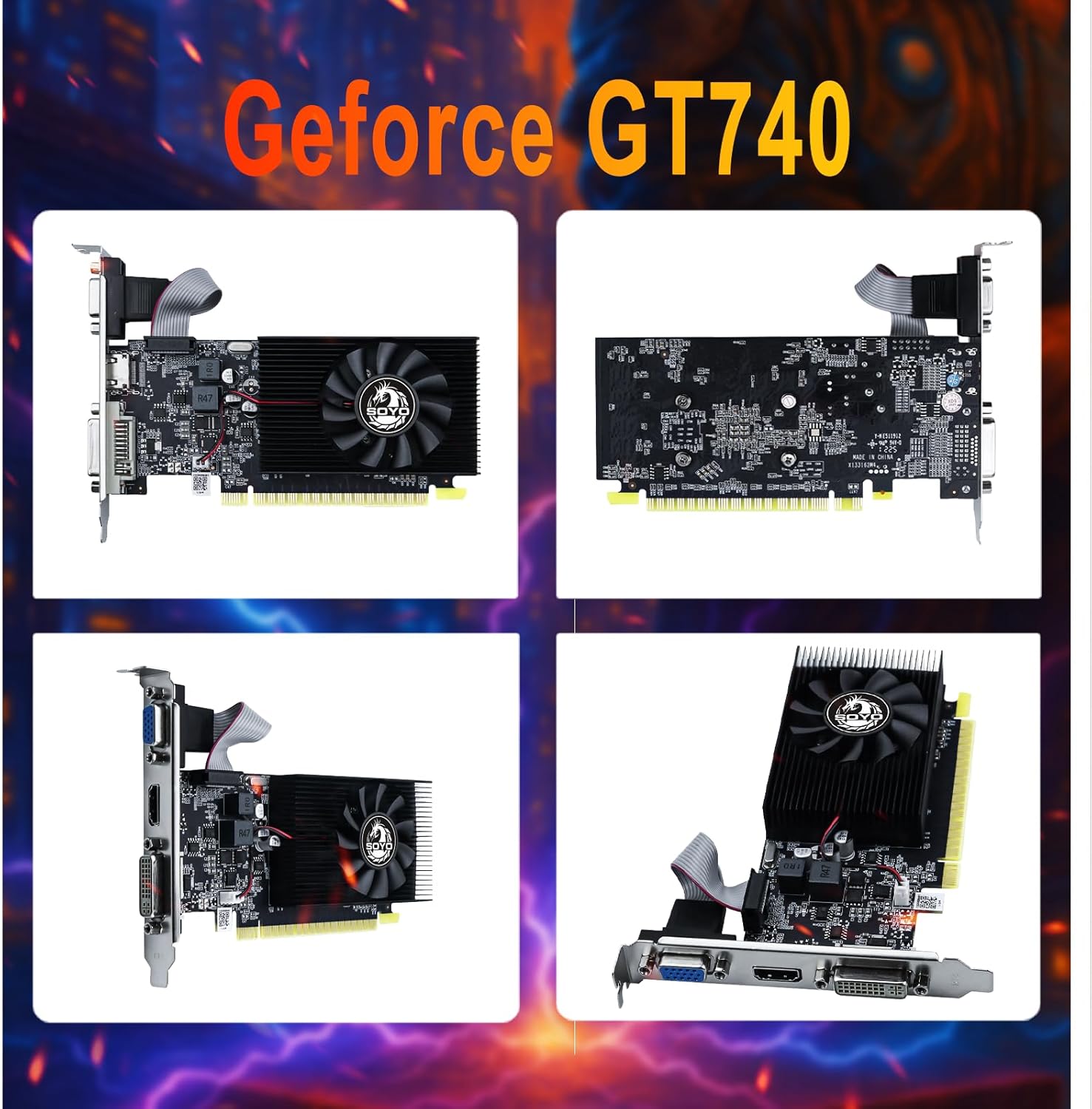


Product description


1.【Superior Memory and Bandwidth】: Equipped with 4GB DDR3 memory and 128-bit memory interface, this graphics card provides super-fast data transfer and excellent performance to run your work perfectly.
2.【Efficient and Reliable】: Built with 28nm process, this graphics card achieves the perfect balance of power and efficiency. It provides reliable performance while minimizing power consumption.
3.【Versatile Display Options and Enhanced Connectivity】: Standard display connectors include HDMI 2.0, DVI and VGA, providing flexibility and compatibility with a variety of monitors and display configurations. Equipped with PCI Express X16 3.0 bus interface, this graphics card ensures fast and stable data transfer.
4.【Advanced Cooling System】: The graphics card is designed with an efficient cooling system that maintains optimal temperature levels during office work sessions, ensuring longevity and performance.
5.【Immersive Graphics Technology】: Supporting DirectX 12, OpenGL 4.6, Vulkan, this graphics card provides advanced graphic effects and immersive office experience. Elevate your working experience with a powerful graphics card powered by Core.
6.【low-profile design】:This half-height computer gpu features a low-profile design, which is specifically engineered to fit into space-constrained systems such as small form factor (SFF) PCs, slim desktop cases, or compact workstations—effectively addressing the issue of limited internal space while still delivering basic graphics performance for everyday tasks (e.g., office work, HD video playback) and light gaming.
❗❗❗If the device doesn't display or work properly after installation, the following settings can be performed: Set video to legacy mode: Enter the computer's BIOS settings interface, find the options related to display, locate the "Video Mode" or similar option, and set it to "Legacy" mode. Different motherboards use different keys to enter BIOS, with common ones being Del and F2. You can pay attention to the on-screen prompts when starting up the computer. Enable 4G decoding: After entering BIOS, go to the "Advanced" options, look for options like "Above 4G Decoding" or "4G Memory Decoding", and set them to "Enabled".
Reviews
There are no reviews yet.